To get customers from your Google Business Profile, you claim it, fill out every field completely, pick the right primary category, gather and reply to reviews, add real photos, and post regularly. That combination is what moves you into the local pack, the map with three businesses that shows up when someone searches for what you sell nearby, and it is the fastest way for a local business to start getting found on Google.
The best part is that it is free, and most owners barely use it. They claim the profile, fill in a phone number, and never touch it again. The ones who treat it like a living storefront are the ones whose phone rings.
Here is how to turn yours into a customer machine, in the order that actually matters.
Why your Google Business Profile is the fastest channel you have
When someone searches “plumber near me” or “best breakfast in Wilkes-Barre,” Google does not start with the regular blue links. It shows a map with three businesses pinned at the top. That block is the local pack, and for a local business it is the most valuable real estate on the internet.
Getting into it is faster than ranking a website. A new profile that is complete, has a few reviews, and stays active can start showing up in weeks, not months. If you want the full picture of how channel timelines compare, we broke it down in how long SEO takes to bring in customers.
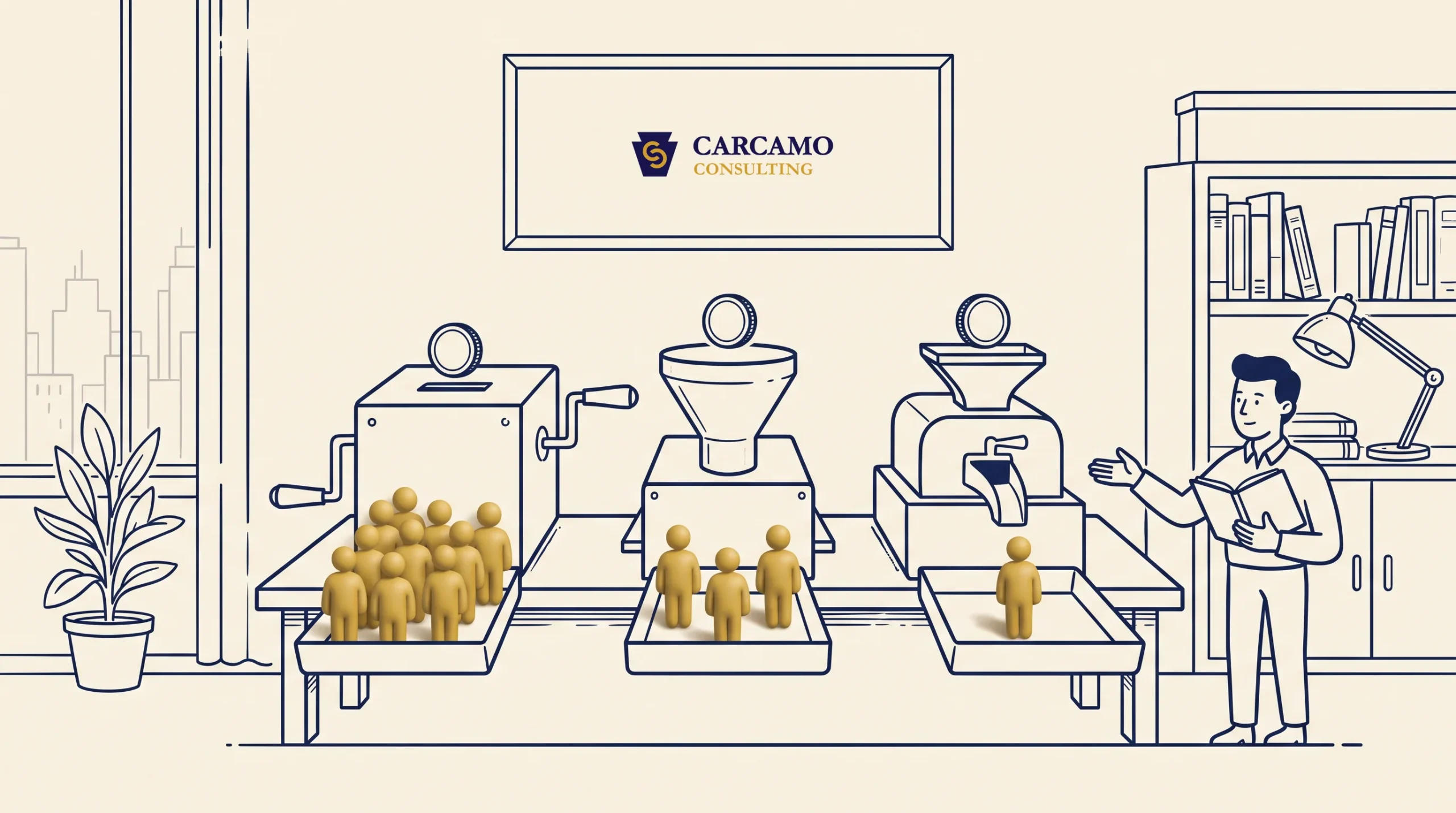
Google decides who shows up in the local pack using three things:
- Relevance: how well your profile matches what the person searched. A complete, detailed profile gives Google more to match against.
- Distance: how close you are to the searcher. You cannot change your address, but you can make sure it is accurate everywhere.
- Prominence: how established you look online, measured through reviews, ratings, and mentions across the web.
You have real control over relevance and prominence. The rest of this is how you build both.
Step 1: Claim and verify the profile
If you have never claimed your profile, that is job one. Search your business name on Google. If a listing already exists, there will be an option to claim or own it. If nothing exists, create one at google.com/business.
Google will verify you are the real owner, usually by phone, text, email, or a video. Until you verify, you cannot edit anything, so do not skip it. Verification can take a few days, so start now.
Step 2: Fill out every single field
A half-finished profile is the most common mistake, and it quietly costs calls. Complete and accurate profiles are far more likely to show up for relevant searches, and they convert better because the customer gets every answer without leaving the listing.
Fill in all of it:
- Business name exactly as it appears on your signage, no extra keywords stuffed in
- Address or service area, accurate and consistent with your website
- Phone number that actually reaches you
- Hours, including holiday hours, kept current
- Website link
- Services or products, each with a short description
- Attributes that apply (woman-owned, wheelchair accessible, free estimates, and so on)
- A real business description in plain language about what you do and who you help
Treat every blank field as a missed chance to match a search or answer a question.
Step 3: Choose the right primary category
Your primary category is one of the strongest signals Google uses to decide which searches you show up for. Research from Birdeye found that the large majority of profile views come from category-based searches, where people look for a type of business rather than a name.
Pick the category that most precisely describes your core business. A bakery should be “Bakery,” not “Restaurant.” Then add relevant secondary categories for the other things you do. Be specific, because the closer your category matches the search, the better your chances of appearing.
If you are not sure which is best, look at what the businesses already ranking in your local pack are using, and match the precision, not just the general idea.
Step 4: Get reviews, and reply to all of them
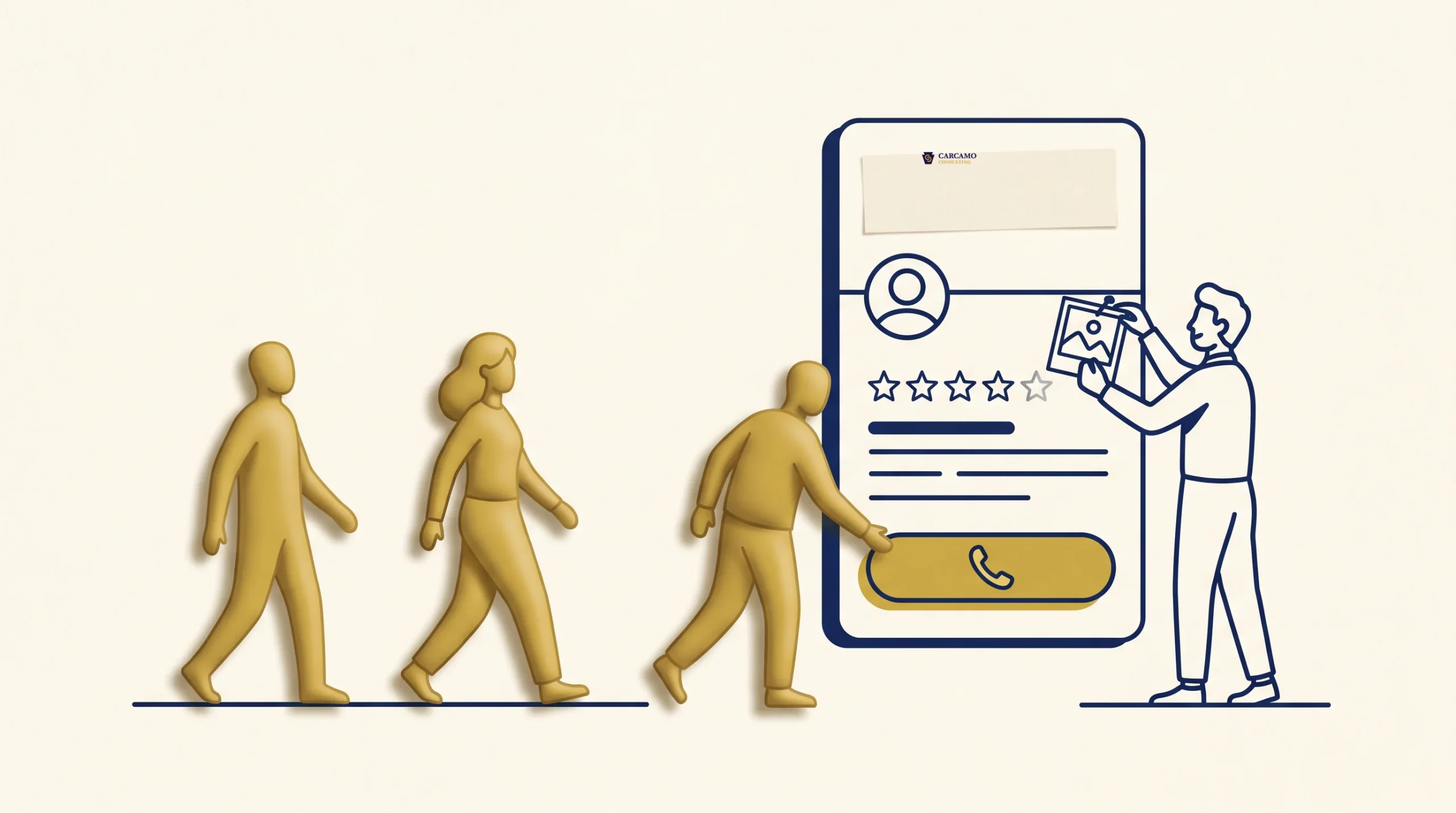
Reviews are the heaviest lever you have on this profile. They feed your prominence in Google’s eyes, and they are the first thing a real customer reads before deciding to call.
Two habits do most of the work:
- Ask, consistently. The simplest way to get reviews is to ask every happy customer, right after you have done good work. Send a direct link to your review form so it takes ten seconds.
- Reply to every review, good and bad. Replying signals to Google that you are active and engaged, and businesses that respond to reviews tend to earn more clicks than those that stay silent. A calm, helpful reply to a negative review reassures the next person reading far more than a perfect score ever could.
Reviews are a deep topic on their own, and we wrote a full guide on how to get customers from Google reviews if you want to go further.
Step 5: Add real photos, and keep adding them
Photos do two jobs: they help you rank and they help you convert. Listings with photos get noticeably more requests for directions and calls than listings without them, because people trust a business they can see.
What to add:
- The outside of your building, so people recognize it when they arrive
- The inside, so they know what to expect
- Your team and you, because local customers buy from people
- Your actual work: finished projects, plated food, before-and-afters
- Your logo and a cover photo
Use real photos, not stock. Add a few new ones every month. A profile that has not added a photo in a year starts to look closed, and Google notices staleness too.
Step 6: Post regularly to stay active
Google Business Profile lets you post updates that appear right on your listing in Search and Maps. Think of them as free mini-ads that the customer sees before they ever reach your website.
Post at least once a week. Good posts include:
- A current offer or seasonal special
- A photo from a recent job
- A quick tip related to what you do
- An announcement, event, or new service
Posts with a clear next step and a strong photo outperform plain text. The point is steadiness: an active profile signals to both Google and customers that you are open, busy, and worth calling.
Step 7: Turn on messaging and track what works
Two finishing moves separate a good profile from a great one.
Turn on messaging so customers can text you straight from the listing. Many people would rather message than call, and a fast reply often wins the job.
Watch your insights. Your profile shows how people found you, what they searched, and whether they called, messaged, or asked for directions. Those numbers tell you what is working so you can do more of it. If calls jump every time you post a project photo, post more project photos.
One thing you cannot do: pay for ranking
There is no way to pay Google for a higher spot in the local pack. Anyone who promises to “buy” you the top map position is selling something Google does not offer. Rankings there are earned through the steps above, which is good news: it means a consistent local business can outrank a bigger competitor who set up a profile and walked away.
How to get customers from your Google Business Profile this week
If this feels like a lot, do it in order and do not try to finish it all at once:
- Today: claim and verify your profile if you have not, and start verification.
- This week: fill in every field and set your correct primary category.
- Ongoing: ask three happy customers for a review, reply to every review you have, add five real photos, and post once a week.
That is the whole game. A profile that is complete, reviewed, and active beats a neglected one every time, and for most local businesses it is the single fastest path to more calls.
If you want a second set of eyes on your profile or you are not sure which category or settings are costing you customers, that is exactly the kind of thing we help local businesses sort out. We run our own local businesses here in Pennsylvania, so send us your question and a real person will take a look.
Frequently asked questions
How do I get more customers from my Google Business Profile?
Complete every field, choose the most precise primary category, gather and reply to reviews, add real photos regularly, and post at least weekly. That combination improves where you rank in the local pack and convinces the people who find you to call. The profile is free, so the only real cost is staying consistent.
Why is my business not showing up on Google Maps?
Usually because the profile is unclaimed, unverified, incomplete, or brand new. Claim and verify it, fill in every field, set the right primary category, and add reviews and photos. If you are in a competitive area, also check that your name, address, and phone number match exactly across your website and other listings, since inconsistencies confuse Google.
How often should I post on my Google Business Profile?
At least once a week. Posts appear on your listing in Search and Maps, and regular activity signals to Google that your business is open and engaged. A current offer or a photo from a recent job with a clear next step works better than plain text.
Do reviews help my Google ranking?
Yes. Reviews are one of the strongest factors in how Google ranks local businesses, and replying to them signals that you are active. They also drive the human decision, since most people read reviews before choosing who to call. Ask every happy customer and reply to all of them, positive or negative.
How long does it take for a Google Business Profile to rank?
Often within one to three months with consistent optimization, which is faster than ranking a website. A complete, active profile with a few real reviews can start appearing in local results within weeks in less competitive areas. Competitive markets take longer.
Can I pay Google to rank higher in the local pack?
No. Google does not sell local pack positions, and anyone claiming to guarantee the top map spot is misleading you. Rankings are earned through completeness, reviews, photos, and consistent activity, which means a focused small business can outrank a larger but neglectful competitor.
 Previous