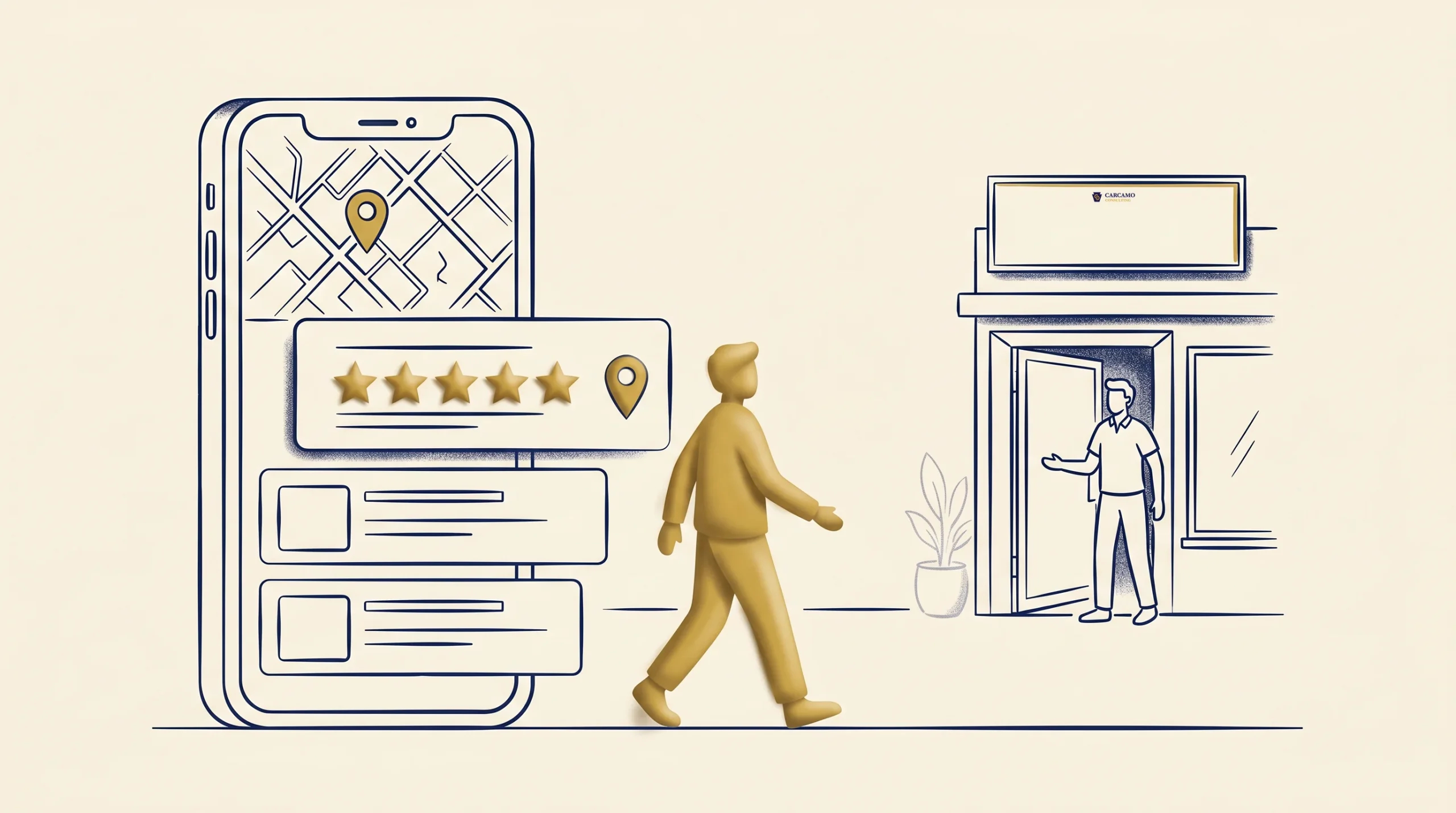
When someone in your town searches for what you sell, Google shows them a short list of local businesses with star ratings next to each name. The ones with more reviews and fresher ratings get the clicks, the calls, and the customers. The ones without them get scrolled past. That is the whole game, and it is winnable.
You get customers from Google reviews through a specific chain: more good reviews lift you in local search, a strong star rating earns the click, and the click turns into a call or a visit. This walks through how to set that chain up and keep it running, in plain steps, without breaking any of Google’s rules.
How you get customers from Google reviews
Reviews do two jobs at once: they help you show up, and they help you get chosen.
Showing up is about the local pack, the little map with three businesses that appears at the top of most local searches. That pack shows in the large majority of local searches and takes the lion’s share of the clicks, with the top spot pulling roughly a third of them on its own.
Reviews are a real factor in who lands there. They make up a meaningful slice of what Google weighs for local ranking, alongside your profile and your proximity to the searcher.
Getting chosen is about trust. Most people read reviews before they pick a local business, and many will not even click a business with only a handful of them. A business with fifty recent four-and-a-half-star reviews looks like the safe choice next to one with six reviews from two years ago. Same service, very different first impression.
The result is a flywheel. Reviews lift your visibility, visibility brings clicks, clicks bring customers, and happy customers leave more reviews. Your job is to start it turning.
Step 1: Claim and complete your Google Business Profile
You cannot collect Google reviews without a Google Business Profile, the free listing that powers your spot on Maps and in the local pack. If you have not claimed yours, do that first at google.com/business.
Then fill it out completely. A complete profile gets significantly more visits than a half-finished one, because Google trusts it more and shows it more.
- Exact business name, address, and phone number, matching what is on your website.
- Your real hours, including holidays.
- The right primary category, plus secondary categories that fit.
- Photos of your work, your team, and your location.
- A clear description of what you do and where you serve.
This is the foundation. Reviews land on this profile, and a complete profile makes every review work harder.
Step 2: Get your review link and make asking effortless
The single biggest reason businesses do not have enough reviews is that they never make it easy. Fix that with your review link.
Inside your Google Business Profile, there is a “Get more reviews” option that gives you a short link and a QR code that drop the customer straight onto the review screen. Grab both.
Then put them where customers already are:
- In a thank-you text or email right after the job.
- On a small printed card or a QR code sticker at your counter or register.
- In your email signature and on your receipts or invoices.
The best moment to ask is right after you have done great work, while the customer is happy and the experience is fresh. One tap, one screen, done. The full timing-and-wording workflow lives in our guide on how to get more online reviews.
Step 3: Ask everyone, the right way (and stay inside Google’s rules)
Google tightened its review rules in 2026, and the penalties for breaking them are real, from removed reviews to a suspended profile. The rules are simple once you know them.
What you can do:
- Ask every customer for an honest review. Asking is encouraged.
- Send the same request to everyone, happy or not.
- Remind a customer once if they forget.
What you cannot do:
- Gate reviews, meaning screen customers first and send only the happy ones to Google. Asking only your fans is now an explicit violation.
- Incentivize reviews, with discounts, gift cards, free products, or loyalty points in exchange for a review, even an honest one.
- Solicit by employee name or set staff review quotas. Google’s systems now flag reviews that name a specific employee as possible manipulation.
- Buy fake reviews or ask people who never used you. This is the fastest way to get penalized.
The honest path is also the durable one. Ask everyone, make it easy, and let the reviews be real.
Step 4: Respond to every review
Replying to reviews is not just good manners. Businesses that respond to most of their reviews tend to see a ranking lift, because replies keep the profile active and signal a real, attentive business. It also shows future customers reading along that you care.
For positive reviews, keep it short and specific: thank them, mention the work, invite them back.
For negative reviews, slow down and stay professional:
- Reply within a day or two, before it sits there shaping opinions.
- Stay calm and never argue or call the reviewer wrong.
- Acknowledge their experience, apologize where it is warranted, and offer to make it right offline.
A calm, fair reply to a bad review often impresses the next reader more than a wall of perfect five stars would. Prospects expect the occasional complaint; what they are really judging is how you handle it.
Step 5: Keep a steady drip, not a one-time push
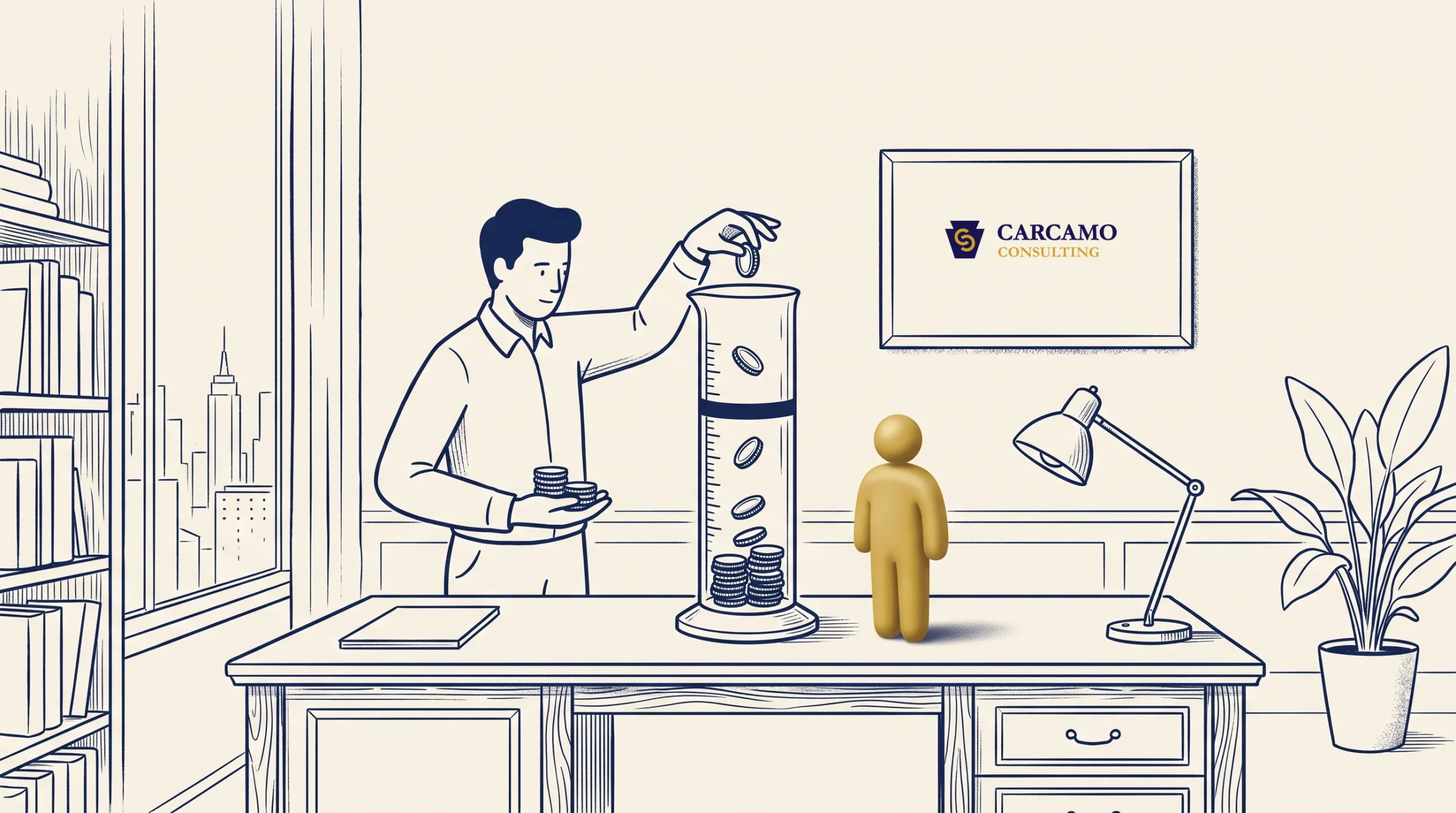
Recency matters as much as the total. Google leans toward businesses earning reviews regularly, and many customers only trust reviews from the last month or so. A burst of twenty reviews in one week followed by silence looks worse than a handful every month, and sudden spikes can even trip Google’s manipulation filters.
Aim for a small, steady flow: a few new reviews every month, earned by asking on every job. Over a few months that builds the kind of recent, growing review count that ranks well and reads as trustworthy. For most local businesses, getting into the dozens of reviews with a steady stream on top is where the local pack starts to open up.
The reviews you earn here are an asset you can use well beyond Google, too. Our guide on turning reviews and testimonials into new customers covers how to put them to work on your site and in your marketing.
Where Google reviews fit in your bigger picture
Google reviews are one of the strongest earned channels a local business has, the kind of free, compounding visibility you build rather than buy. They pair naturally with the rest of your customer acquisition, which our overview of organic, paid, and earned channels lays out in full.
If you do one thing this week, claim your profile and grab your review link. Then ask your next five customers. That is the start of a system that quietly sends you customers for years. When you want help setting up your Google Business Profile or building the review habit into how you work, that is exactly the kind of thing you can ask us about.
Frequently asked questions
Do Google reviews actually help my ranking?
Yes. Review signals are a real factor in local search, making up a meaningful share of what Google weighs for the local pack. Star rating, the number of reviews, and how recent they are all play a part, alongside your profile completeness and how close you are to the searcher. Reviews are not the only factor, but they are one of the few you directly control.
How many Google reviews do I need to get customers?
There is no magic number, but shoppers tend to pass over businesses with only a few reviews, so getting into the double digits matters early. For ranking in competitive local searches, the businesses in the top three often have a few dozen or more. More useful than chasing a total is keeping a steady flow of recent reviews coming in.
Can I offer a discount for Google reviews?
No. Offering any incentive for a review, including discounts, gift cards, free products, or loyalty points, violates Google’s policy, even if you ask only for honest reviews. It can get your reviews removed or your profile suspended. You can ask freely; you just cannot reward.
How do I get my Google review link?
Open your Google Business Profile, choose the “Get more reviews” option, and copy the short link or download the QR code. Both send the customer straight to the review screen. Share the link by text or email and put the QR code on cards, receipts, or a sticker at your counter.
How should I respond to a negative review?
Reply within a day or two, stay calm, and do not argue. Acknowledge the person’s experience, apologize if it is warranted, and offer to fix the problem offline. A professional, fair response reassures everyone else reading the review far more than getting defensive ever would.
How fast will Google reviews bring in customers?
It is gradual, not overnight. As recent reviews accumulate and your rating strengthens, you climb in local results and earn more clicks over weeks and months. Asking on every job is what keeps the momentum building once it starts.
 Previous